How to Choose VOSK Model: small or large
How VOSK small and large models differ in VoxSpica: accuracy, speed, resources, language availability and practical selection recommendations.
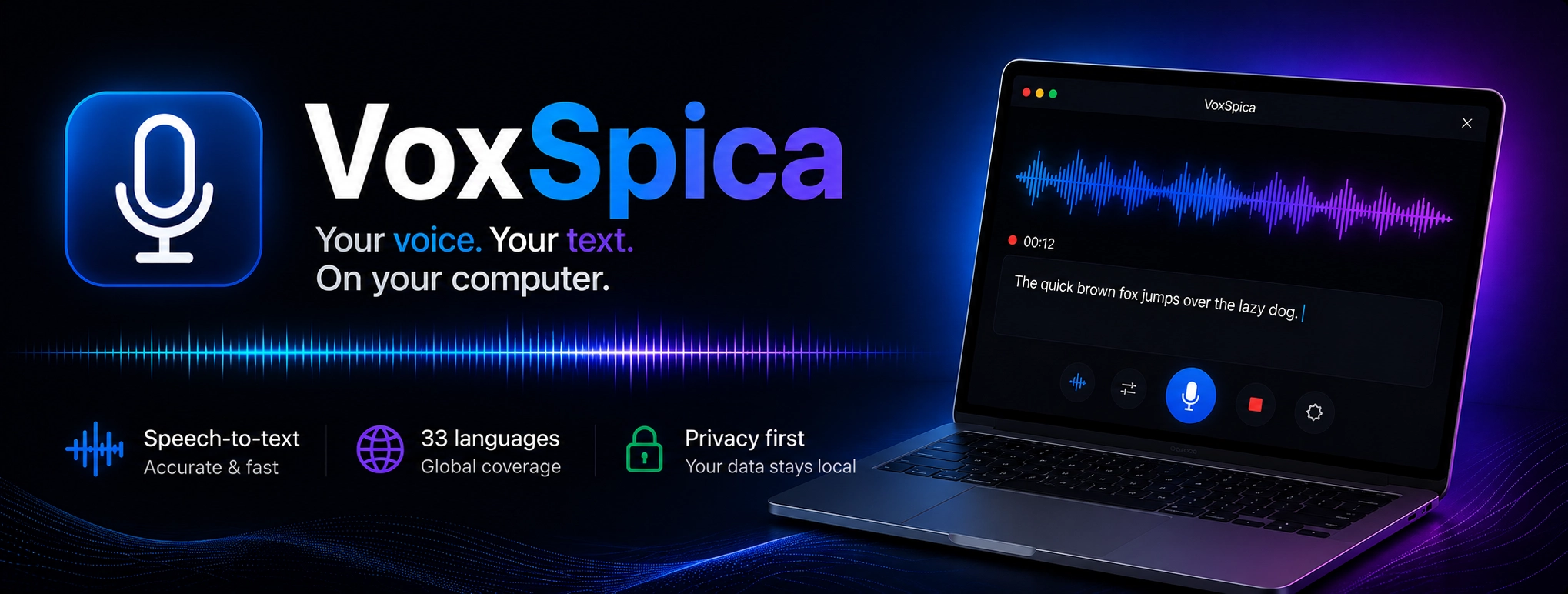
In VoxSpica, speech recognition is performed offline using the VOSK engine. For most languages, models of different sizes are available — usually small and large. The model choice directly affects speed, resource consumption and result quality.
Short version: small — faster and lighter (suitable for weak PCs and quick drafts), large — usually more accurate, but requires more memory, disk space and loading time. Size availability depends on the specific language.
VOSK in VoxSpica · Supported languages · Download VoxSpica
Main differences: small vs large
Based on VOSK primary sources and confirmed VoxSpica facts:
| Parameter | small | large |
|---|---|---|
| Purpose | Light/desktop and mobile scenarios, quick start | Higher accuracy in server/powerful PC scenarios (in VoxSpica — locally on CPU) |
| Disk size | Usually ~40–60 MB (depends on language/model) | Often ~1–2+ GB (depends on language/model) |
| RAM consumption (approx.) | ~0.3 GB (typical for small models) | Several GB (often ~3–4 GB and more, depends on model) |
| Loading time | Usually seconds | Usually noticeably longer (tens of seconds and more) |
| Speed/resources | Faster, less load | Heavier, but often better quality |
| Accuracy | Lower than large (on average) | Usually higher, especially on complex recordings |
Exact figures (size, WER, requirements) depend on the specific language model. Current characteristics and metrics are published in the VOSK model catalog.
How to choose a model for your task
When to choose small
- Quick result needed (note draft, short dictation).
- Computer with modest resources (little RAM/free disk space).
- Recording is clean, speech is clear, vocabulary not too complex.
- Fast loading and responsiveness important.
When to choose large
- Maximum available accuracy important for the chosen language.
- Long or complex recording: interview, lecture, meeting, background noise, accents.
- Sufficient PC resources (RAM/disk) and acceptable longer loading time.
- Ready to spend time on higher-quality primary transcription.
Model availability by languages (important)
- VoxSpica supports recognition for 33 languages (composition and sizes depend on the registry/available models).
- Not all languages have both sizes
smallandlarge. Some languages have only one option. - Before choosing, refer to the language list and available sizes in VoxSpica itself and on the Supported languages page.
Practical recommendations
- Start with
smallto check scenario, device and recording quality. - If there are many errors and language/resources allow — switch to
large. - Make sure the correct language is chosen for recognition (automatic language detection unavailable for microphone; for files — heuristic).
- Improve input signal: microphone, silence, clear articulation, WAV 16 kHz mono format for files — this often gives a bigger effect than just changing the model.
- Consider VoxSpica limitations: no neural punctuation (commas not added automatically), no diarization, recognition on CPU.
FAQ
Which model is more accurate: small or large?
Usually large is more accurate, but requires more resources and time. The specific difference depends on language, model and audio type.
Should large always be used?
No. For quick tasks, drafts, clean recordings or weak PCs, small is often the more practical choice.
Why don't I have small/large for my language?
The set and sizes of models are determined by available VOSK models for the specific language. Check current availability in VoxSpica and in the VOSK model catalog.
Can I use my own model?
VoxSpica supports connecting an external model folder via the model directory parameter/setting (for advanced scenarios), subject to VOSK compatibility.
See also
- VOSK in VoxSpica: models, accuracy and offline speech recognition
- Supported languages
- How to improve speech recognition quality
- Transcribe audio to text offline
Sources (primary sources)
- VOSK — models (types, sizes, resources, metrics, availability): https://alphacephei.com/vosk/models
- VOSK — introduction: https://alphacephei.com/vosk/
- VoxSpica — confirmed facts about models, languages and resources: VOSK in VoxSpica, Supported languages, Documentation