Download
Free Speech to Text: Download VoxSpica
Free program for audio-to-text translation and offline audio transcription on Windows and Linux. Installation, models, FFmpeg and first steps.
Windows
Installers
Portable versions (no preinstalled language models)
Linux
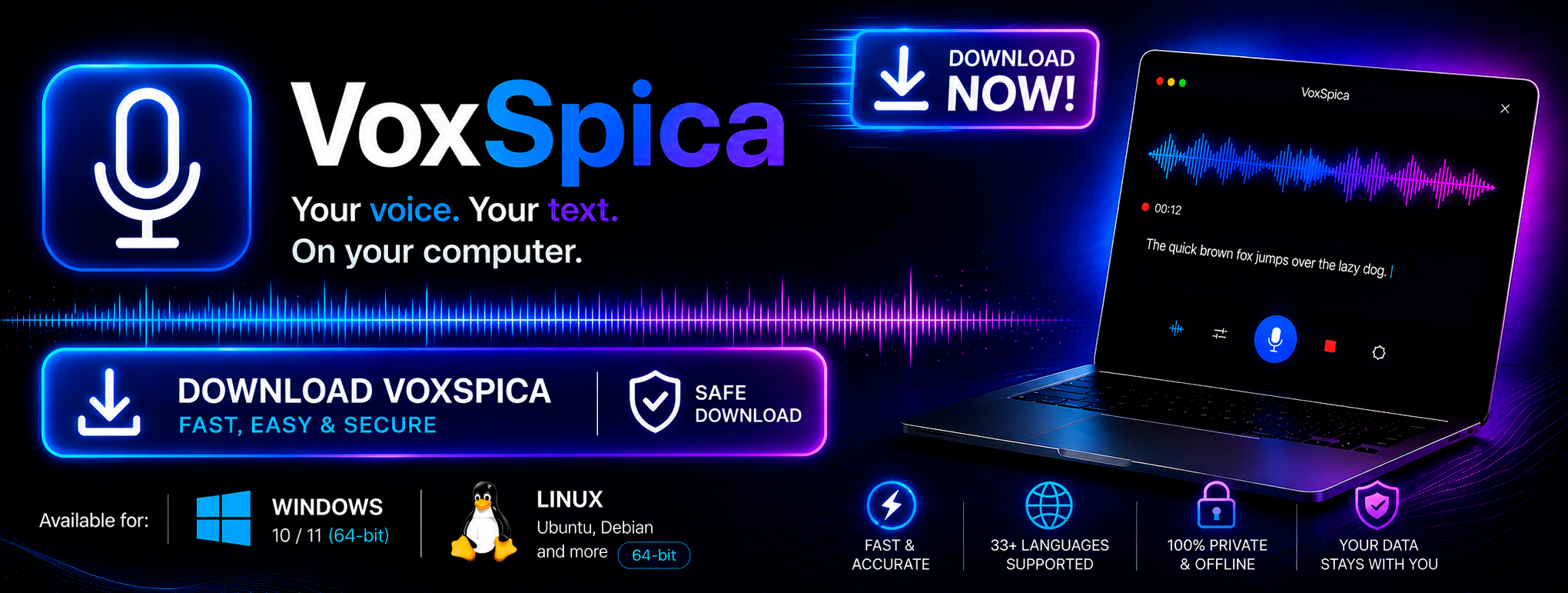
VoxSpica — free program: audio-to-text translation and audio transcription on Windows and Linux. Works offline, without cloud, without account and without subscription.
Current file composition (installer, portable, packages) and version numbers — check on GitHub releases page.
Free Program for Offline Audio Transcription
VoxSpica can be downloaded and used for free — without subscription and account. This is a desktop program for audio-to-text translation, not an online service: after model download recognition works without internet. For MP3/M4A/OGG FFmpeg is additionally needed, and small/large models are downloaded separately and stored locally.
Can VoxSpica be downloaded for free?
Yes. Application is distributed for free, without subscription and account; current terms are specified in release license/EULA.
Does program work without internet?
Yes. After model download recognition is performed locally, without network connection. Internet is needed only for downloading installer, models and (optionally) update checking.
Is account or subscription needed?
No. VoxSpica works without registration and without subscription.
Which free audio transcription program suits Windows and Linux?
VoxSpica — desktop program for Windows 10/11 and Linux with local recognition based on VOSK.
Is recognition model included in installer?
No. small/large models are downloaded separately and stored locally (usually in ~/.voxspica/models).
Is FFmpeg needed for MP3?
Yes. WAV is supported natively, MP3/M4A/OGG are processed via installed FFmpeg.
Windows 10/11 (x64)
- Ready builds available (e.g. zip with
.exe, Python not required). - For dictation and microphone recognition on Windows hotkeys and text insertion into active window are also available.
Linux (amd64)
- Ubuntu 22.04/24.04 and Debian 12+ are supported (according to product data).
- Installation possible via
.deb/APT repository (see project instructions) or from releases. - For commands using microphone (
devices/mic)libportaudio2is required.
More about platforms and requirements
What to Do After Installation
- Download recognition model (not built into distribution): choose language and size
small(~50 MB, faster) orlarge(~1.8 GB, usually more accurate). Models are stored locally (usually in~/.voxspica/models). - For MP3/M4A/OGG install FFmpeg (not included in package). WAV is supported natively. Example for Windows:
winget install Gyan.FFmpeg. - Launch VoxSpica, choose microphone/file, language and model — and start dictation or transcription.
First Steps
Audio Transcription to Text for Free
Yes, audio transcription to text for free is available in VoxSpica: application is distributed without subscription and account. Same capabilities are given by formulations "audio translation to text for free" and "audio transcription for free" — this is one and the same free speech recognition technology on your computer. Internet is needed only for downloading installer and models.
Privacy and License
Recognition is performed locally on your computer (VOSK, CPU). By default microphone audio is not saved; history and data are stored in ~/.voxspica. Application is distributed for free (without subscription and advertising) under EULA terms — check current terms in release/project license.