How VoxSpica Works
How recognition works in VoxSpica: local VOSK processing, model selection, dictation, file transcription, history and privacy.
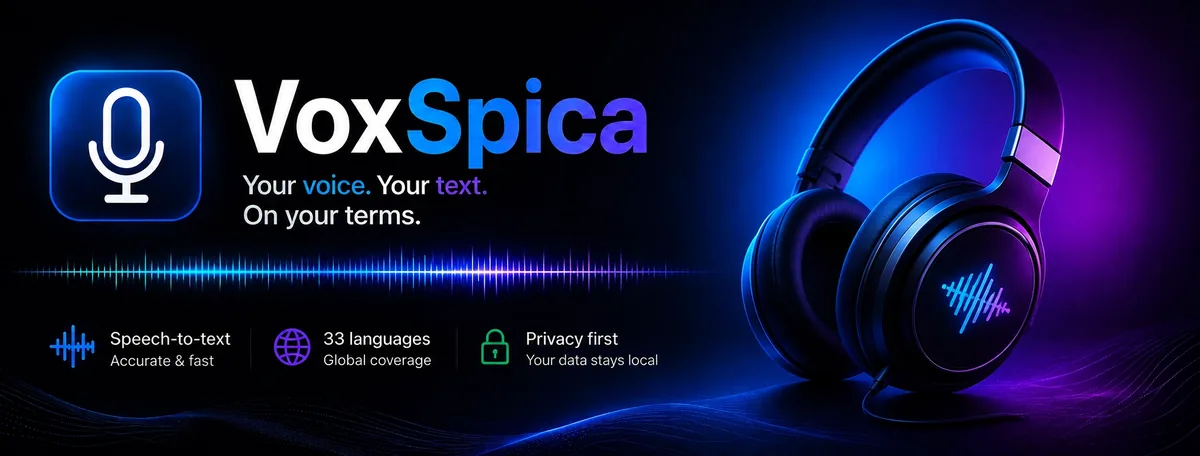
VoxSpica recognizes speech locally on your computer using VOSK (Kaldi ASR) engine. After application installation and model download, audio is processed on CPU without sending to cloud.
1. Installation and Model Preparation
- Install VoxSpica for Windows or Linux.
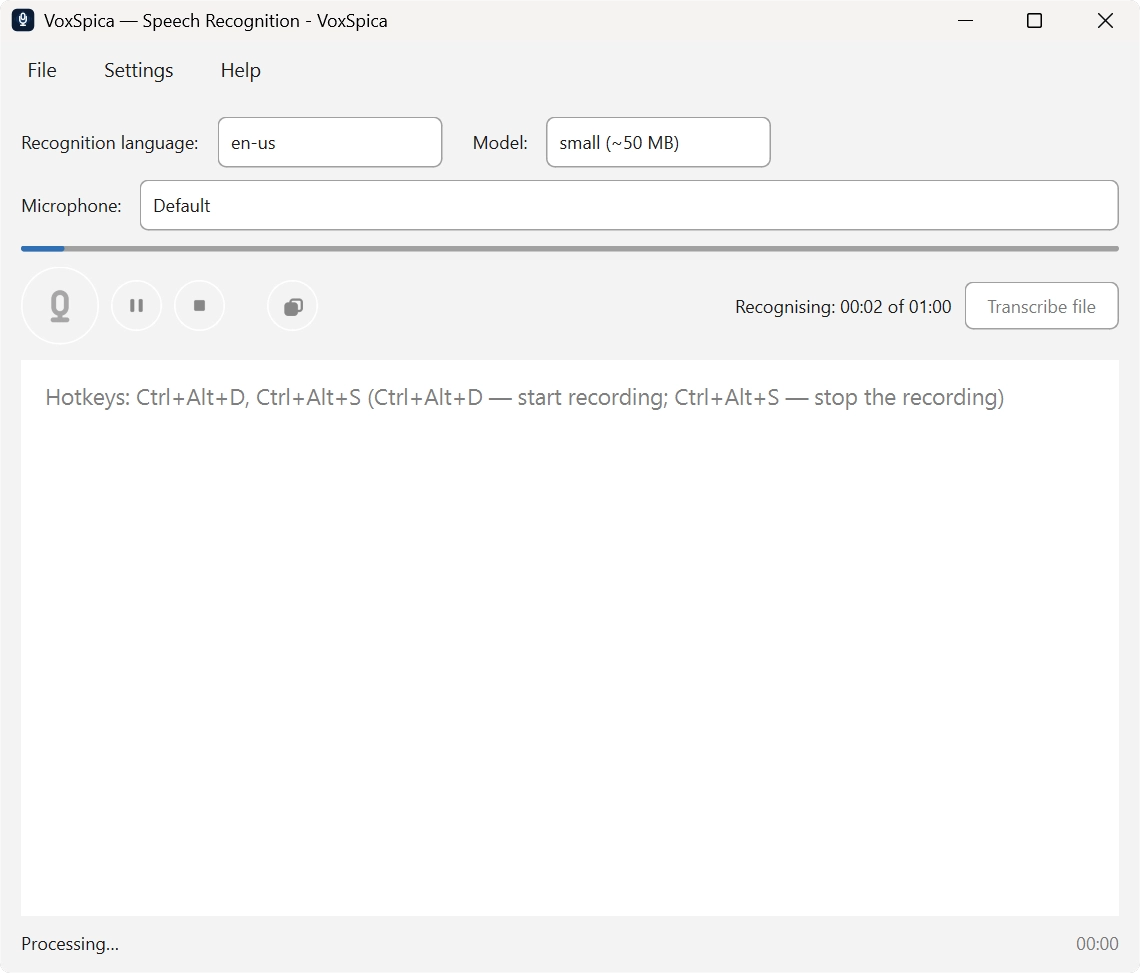
- On first launch choose recognition language and model: small (faster, fewer resources) or large (usually more accurate, but more RAM/disk and longer loading).
- Models are not built into distribution and are downloaded separately (stored locally, usually in
~/.voxspica/models).
2. Choosing Scenario: Dictation or File
Dictation with Microphone
Application captures sound from microphone and shows text as you speak (intermediate and final results). You can pause and resume. On Windows global hotkeys and text insertion into active window are supported.
Audio File Transcription
You open a file — VoxSpica processes it and forms text. WAV is supported natively, MP3/M4A/OGG — via FFmpeg.
Dictation · Audio Transcription
3. Result, History and Export
- Text can be copied, saved and edited.
- Recognitions can be saved in local SQLite history (date, type, language, model, device, duration, text, timestamps) with search.
- Timestamps and export are available (including
.txtwith timestamps and.srt) — depending on scenario.
What's Important About Quality and Privacy
- Accuracy depends on language, model, recording quality, microphone, noise and accent.
- Punctuation is heuristic: periods and capitalization exist, commas are not added automatically.
- Offline: after model download recognition works without internet. Optionally only update checking may be performed (without auto-installation).
- Privacy: microphone audio is not saved by default; user data is stored in
~/.voxspica.