Articles and guides on speech recognition
Collection of articles and practical guides on offline speech recognition, dictation, audio transcription and working with VoxSpica and VOSK.
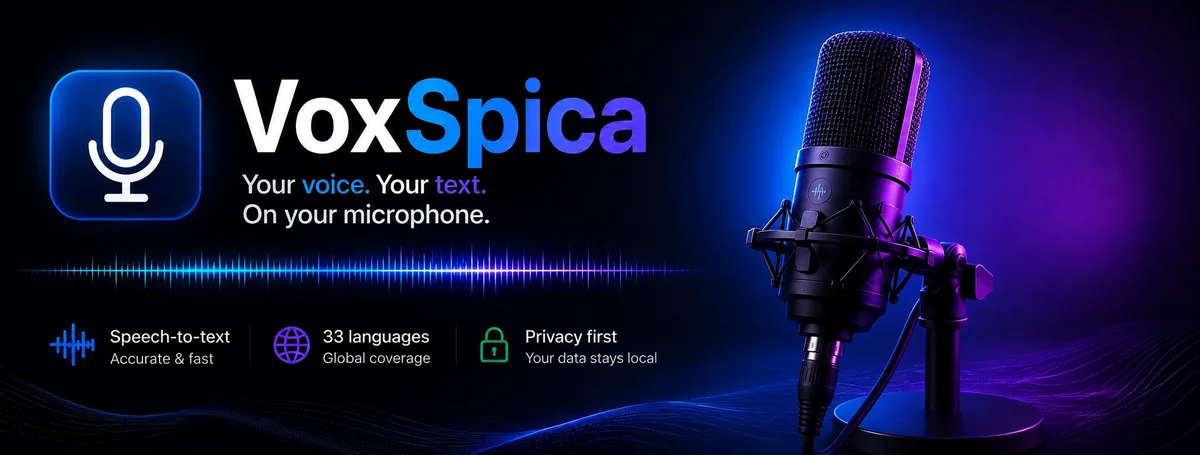
Here are practical materials on offline speech recognition, dictation and audio transcription in VoxSpica: from quick instructions to approach comparisons and quality tips. Materials are based on confirmed product capabilities and open primary sources (VOSK, FFmpeg, OpenAI Whisper and others).
Download VoxSpica · Documentation · FAQ
VOSK, Models and Accuracy
- VOSK in VoxSpica: models, accuracy and offline speech recognition
How the VOSK engine works in VoxSpica, howsmall/largemodels differ, what accuracy depends on and how to improve results. - How to choose VOSK model: small or large
Practical model choice based on task, language, recording quality and computer resources. - VOSK vs Whisper: what's the difference and what to choose for offline speech recognition
Comparison of approaches, resources and usage scenarios based on primary sources. - How to improve speech recognition quality: microphone, models and settings
Practical checklist: recording, model/language selection, formats, post-processing and limitations.
Dictation and Voice Input
- Dictation and voice text input offline
Overview of dictation capabilities in VoxSpica: scenarios, privacy and specifics. - Voice input in Windows 10/11 without internet: how to dictate text offline
Step-by-step guide for Windows: hotkeys, text insertion into active window, setup and typical issues. - Voice text input on Linux without internet: dictation and transcription in VoxSpica
Installation, dependencies, working with microphone/files and limitations on Linux. - Dictation of notes and drafts offline: scenarios and tips
How to quickly capture ideas and drafts by voice with local processing.
Audio Transcription and Files
- Transcribe audio to text offline
Main guide for file transcription in VoxSpica: formats, process, export and privacy. - MP3 to text offline: how to transcribe an audio recording on computer
How to convert MP3/M4A/OGG/WAV to text locally, why FFmpeg is needed and how to choose a model. - Audio formats in VoxSpica and FFmpeg: WAV, MP3, M4A, OGG
Which formats are supported natively, when FFmpeg is needed and how to prepare a file for transcription. - Timestamps and transcript export in VoxSpica: TXT and SRT
Working with timestamps, local history and result export (including .txt with timestamps and SRT). - Common problems with audio transcription in VoxSpica and how to fix them
Typical errors and solutions: FFmpeg, format, language/model, microphone, resources and limitations.
Scenarios, Privacy and Tools
- Offline vs online speech recognition: what to choose for dictation and transcription
Honest comparison of approaches: privacy, internet, data control and limitations. - Private offline speech recognition: how VoxSpica processes data
Local processing, data storage, network operations and practical privacy recommendations. - How to transcribe an interview offline: step-by-step guide
Recording preparation, model selection, transcription, timestamps and post-processing. - Transcription of lectures and meetings offline: how to get clear text
Practice for long recordings: timestamp navigation, export and editing. - VoxSpica CLI: command examples for dictation and transcription
Commands for files, microphone, models, devices and history considering CLI limitations.
Video, Subtitles and Comparisons
- How to transcribe a video: audio track and FFmpeg
Extract audio from video and transcribe the recording offline in VoxSpica. - Subtitles from audio offline (SRT)
Timestamps, SRT and TXT export without uploading the file to the cloud. - Neural network or VOSK: what is offline speech recognition
How the local engine differs from cloud services. - Bot or desktop program for transcription
Comparison by privacy, offline work and limitations. - Orthography and dictation: why commas are not added
Punctuation, language support and typical dictation questions. - Text from audio recording: summary, composition, essay and outline
How to use transcription for study and work tasks.