Bot or desktop program for transcription: what to choose
How an offline audio transcription program differs from an online bot: privacy, internet, account and limitations.
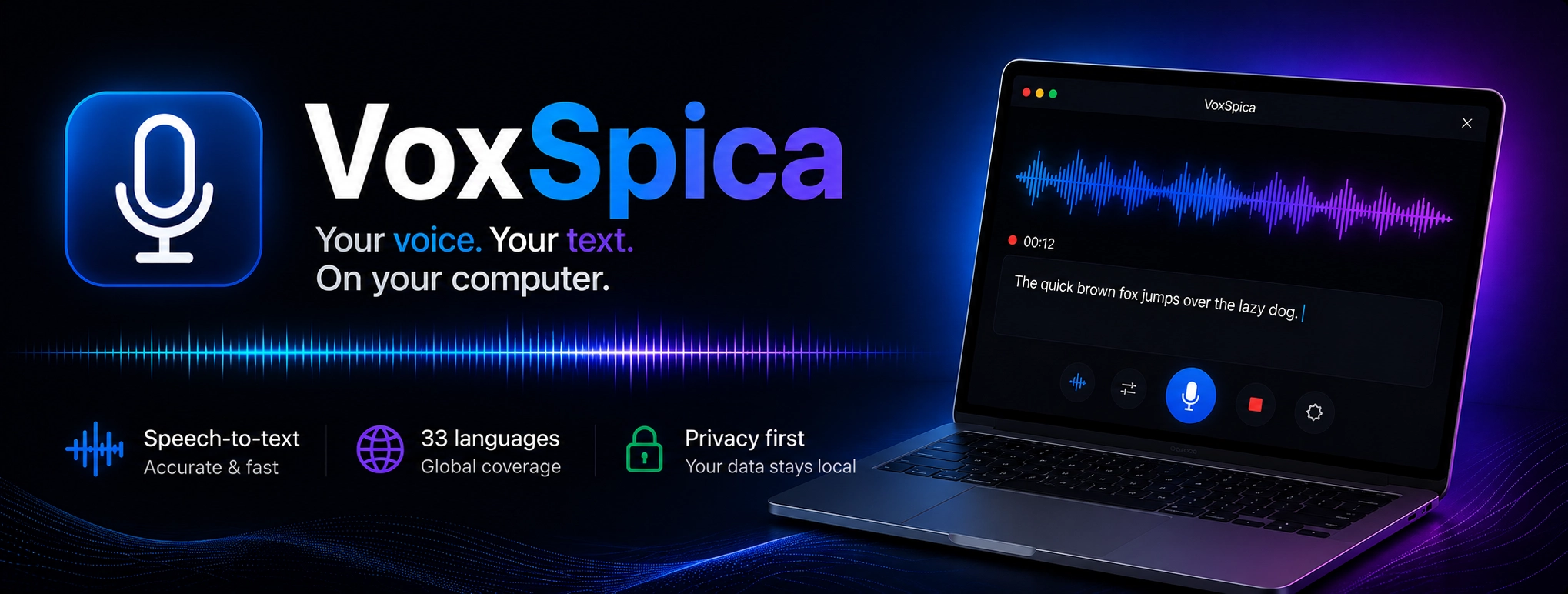
When audio-to-text transcription is needed, many first look for a bot in a messenger. The alternative — a desktop program that processes the recording on your computer. Each option has its compromises.
Short version: a bot is convenient for a quick test but sends the file to a server; VoxSpica works locally and requires no account.
Comparison
| Bot in messenger | VoxSpica | |
|---|---|---|
| Where audio goes | to service | stays on computer |
| Internet needed | yes | no, after model download |
| Account and subscription | often needed | not needed |
| History and export | in service | locally in SQLite |
| Limitations per request | often present | files processed one per call |
When to choose the program
- interviews, lectures and meetings with confidential data;
- working on the road or without stable internet;
- processing large recordings and storing recognition history locally;
- when predictability without cloud service matters.
VoxSpica limitations
- No batch processing "out of the box": files processed one by one.
- No diarization and neural punctuation.
- FFmpeg needed for MP3/M4A/OGG; models downloaded separately.
FAQ
Is a bot worse than a transcription program?
Not worse, just different: a bot is convenient for quickly checking an idea, but audio goes to a service. The program preserves privacy and works offline.
Can audio be transcribed to text by a bot without internet?
No, a bot by definition works over the network. For offline transcription use a desktop application.
Is there a recording length limit in VoxSpica?
Files are processed one per call; for long recordings large model and high-quality source audio track are better.