Private Offline Speech Recognition: How VoxSpica Processes Data
How VoxSpica ensures privacy: offline recognition on device, local storage, no account and no cloud audio transmission.
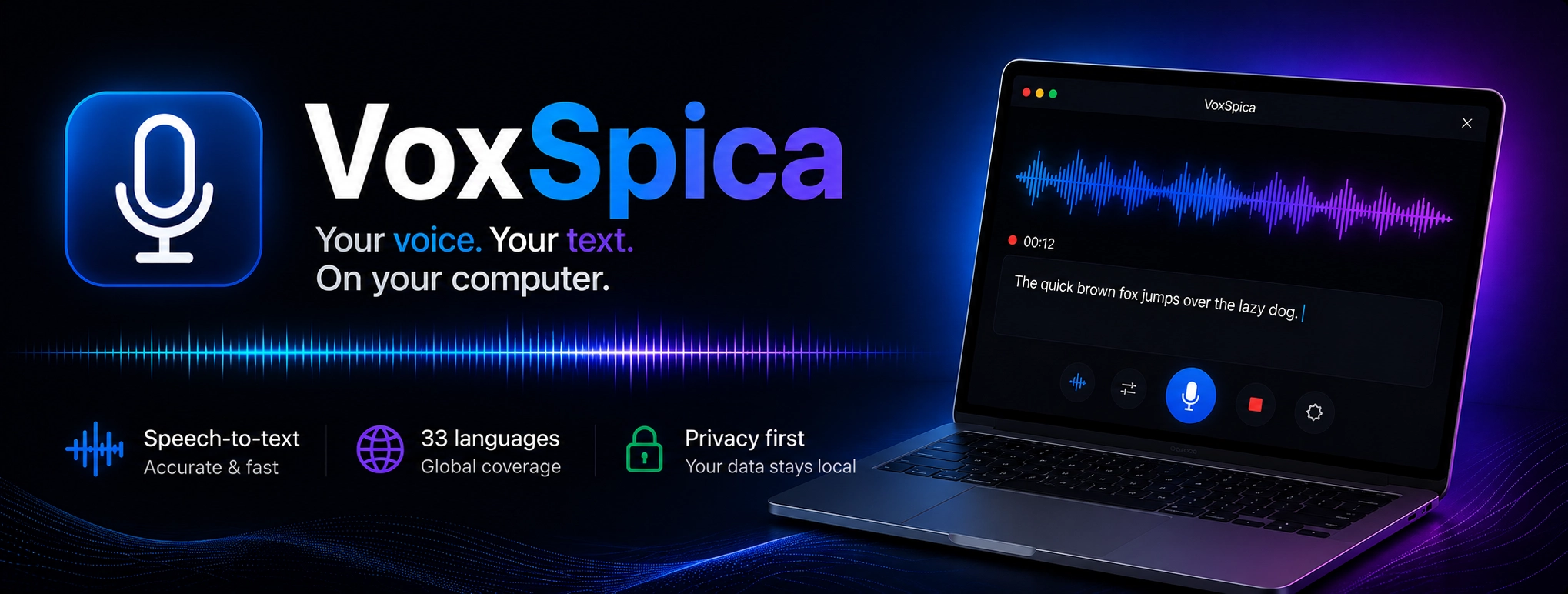
For many scenarios (interviews, work meetings, personal notes, documents) it's important that audio and transcriptions do not leave the device. VoxSpica is oriented towards local (offline) speech recognition: processing is performed on your computer using VOSK (CPU), without sending audio to cloud services.
Short version: VoxSpica works without account and subscription, recognizes speech locally, stores user data on the device and does not transmit audio/text outside for transcription. Network interaction is limited to model download and optional update checking.
Download VoxSpica · Privacy · Offline vs Online
What is Processed Locally
- Speech recognition: dictation with microphone and audio file transcription are performed on the user's device (VOSK engine, CPU).
- Results: text, timestamps, history and export are formed/stored locally (within application capabilities).
- Models: language models are installed on computer and used offline after download.
Where Data is Stored
According to confirmed product facts, user data is placed in user directory:
~/.voxspica(on Windows —%USERPROFILE%\.voxspica)- Inside are stored, in particular: settings (
config.json), history (history.db, SQLite), models (models/), transcripts and (if enabled) audio. - User data is not written to application installation folder.
What is Not Sent to Cloud
- Microphone audio and audio files are not uploaded to cloud for recognition.
- Transcription text is not transmitted to external services for processing within VoxSpica operation.
- No registration/account required for use.
Network Operations (in Practice)
During normal offline work after installation internet is not needed. Network can be used only in limited cases:
- Model download from VOSK model source (at user's initiative during installation/model selection).
- Optional update checking (anonymously, once a day, request to public releases repository to get release link; update file is not automatically downloaded and launched).
Settings Affecting Privacy
- Microphone audio saving: by default disabled (
save_audio=false). If option is enabled, recording may be saved locally (e.g. in WAV next to result, depending on scenario). - History: recognitions are saved in local SQLite database (with search, record deletion/cleanup).
- Export: export files (e.g.
.txt,.srt) are saved locally at user's choice.
Practical Recommendations for Confidential Work
- Use offline scenario: install application and models in advance, then work without internet if necessary.
- Don't enable microphone audio saving if not needed.
- Periodically clear history and delete unnecessary exports/files from device.
- For transcription of sensitive recordings check that source files and results are stored in protected local directories.
Limitations (Important to Understand)
- Processing privacy does not mean perfect accuracy: quality depends on language, model, audio and recording conditions.
- VoxSpica has no diarization and neural punctuation; manual text post-processing may be needed.
- Some functions are platform-dependent (e.g. global hotkeys/insertion into active window — Windows).
See also
- Privacy and Offline Work
- Offline vs Online Speech Recognition
- Dictation and Voice Text Input
- Transcribe Audio to Text Offline
Sources (primary sources)
- VOSK (local speech recognition engine): https://alphacephei.com/vosk/
- VoxSpica — confirmed facts about local processing, storage, network operations and settings: Privacy, Documentation, Audio Transcription