Dictation of Notes and Drafts Offline: Scenarios and Tips
How to use offline dictation in VoxSpica for quick notes, drafts and ideas: scenarios, setup, privacy and practical tips.
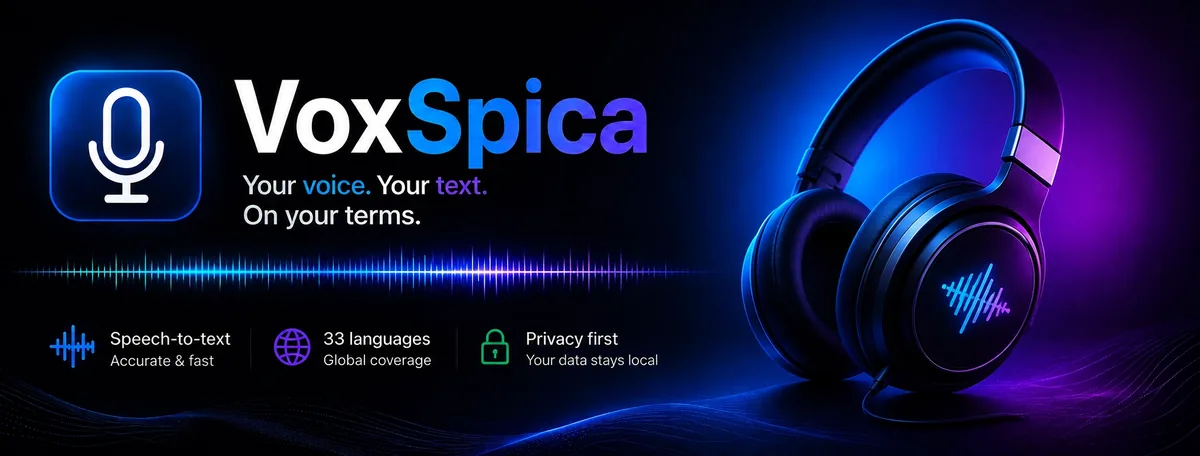
Dictation helps quickly capture a thought, sketch a draft or write a note when typing is inconvenient or slow. In VoxSpica voice input works offline: speech recognition is performed locally (VOSK, CPU), without sending audio to the cloud and without an account.
Short version: choose language and model, turn on recording with microphone, dictate text and then edit it. This is convenient for notes, email drafts, ideas and plans with focus on privacy.
Download VoxSpica · Dictation and Voice Input · Privacy
For Which Scenarios Offline Dictation is Suitable
- Quick notes: ideas, to-do lists, short theses.
- Drafts: letters, messages, plans, text sketches that will be edited later.
- Confidential records: when it's important that audio and text are processed locally.
- Offline work: after installation and model download dictation does not require network.
How to Dictate Notes in VoxSpica
- Install VoxSpica and download model for needed language. Download
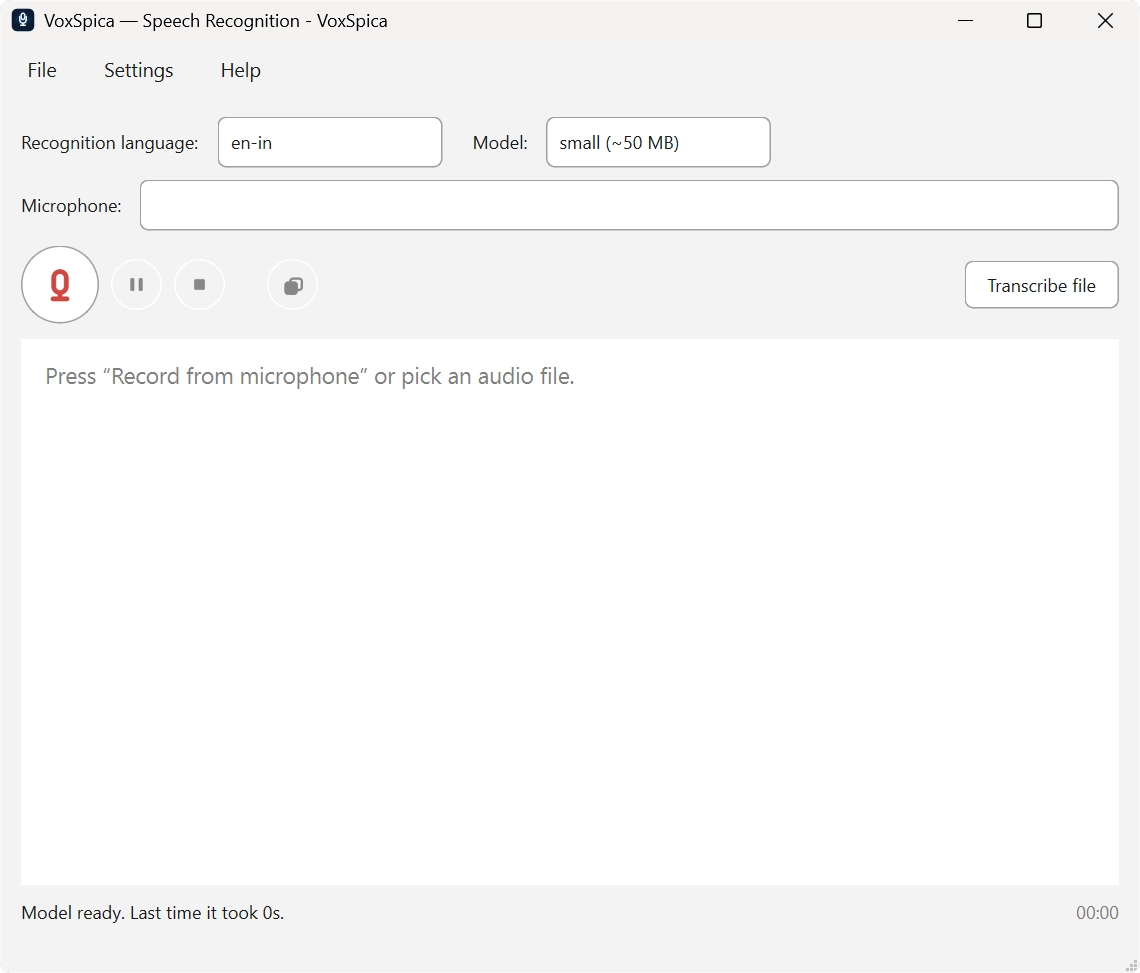
- Choose language and model:
smallusually faster,large— more accurate on complex speech (if available for language). - Check microphone and start recording.
- Speak in phrases, making short pauses — then it's easier to control the result.
- Save or copy text and perform editing.
On Windows additional capabilities are available: hotkeys (by default Ctrl+Alt+D / Ctrl+Alt+S) and text insertion into active window (including live insertion). On Linux these functions are not supported — use copy/save in application.
Tips for Cleaner Notes
- Sound quality: speak closer to microphone, reduce noise and echo.
- Pace and articulation: clear speech and pauses between thoughts improve draft readability.
- Terms and names: pronounce them clearly in advance and check in text after dictation.
- Post-editing: VOSK does not add commas automatically; VoxSpica uses heuristic punctuation (periods, capitalization), so final editing is better done manually.
- Result format: for notes it's convenient to immediately split text into paragraphs/lists after recognition.
Privacy and Storage
- Recognition is performed locally on your device.
- Recognition history is stored locally (SQLite,
~/.voxspica) and supports search. - By default microphone audio is not saved.
More details: Privacy and Offline Work.
Limitations
- Automatic language detection for microphone unavailable (choose language manually).
- No diarization and neural punctuation; commas not added automatically.
- Hotkeys and insertion into active window — only on Windows.
- Quality depends on language, model, microphone, noise and articulation.
FAQ
Is VoxSpica suitable for quick voice notes?
Yes, this is one of convenient scenarios: you can quickly dictate a thought offline, then edit and save text.
Can you dictate without internet?
Yes, after installation and model download recognition works locally.
Will text be perfectly formatted?
No. Recognition gives a draft: VoxSpica uses heuristic punctuation without automatic commas, so final text needs proofreading.
See also
- Dictation and Voice Text Input
- Voice Input in Windows 10/11 without Internet
- Voice Text Input on Linux without Internet
- How to Improve Speech Recognition Quality
- VOSK in VoxSpica
Sources (primary sources)
- VOSK — offline speech recognition engine: https://alphacephei.com/vosk/
- VOSK models: https://alphacephei.com/vosk/models
- VoxSpica — dictation capabilities, privacy and limitations: Dictation, Privacy, Platforms, Documentation