Text from Audio Recording: Summary, Composition, Essay and Outline
How to get text from audio recording and prepare a summary, composition, essay or outline — without cloud and preserving original meaning.
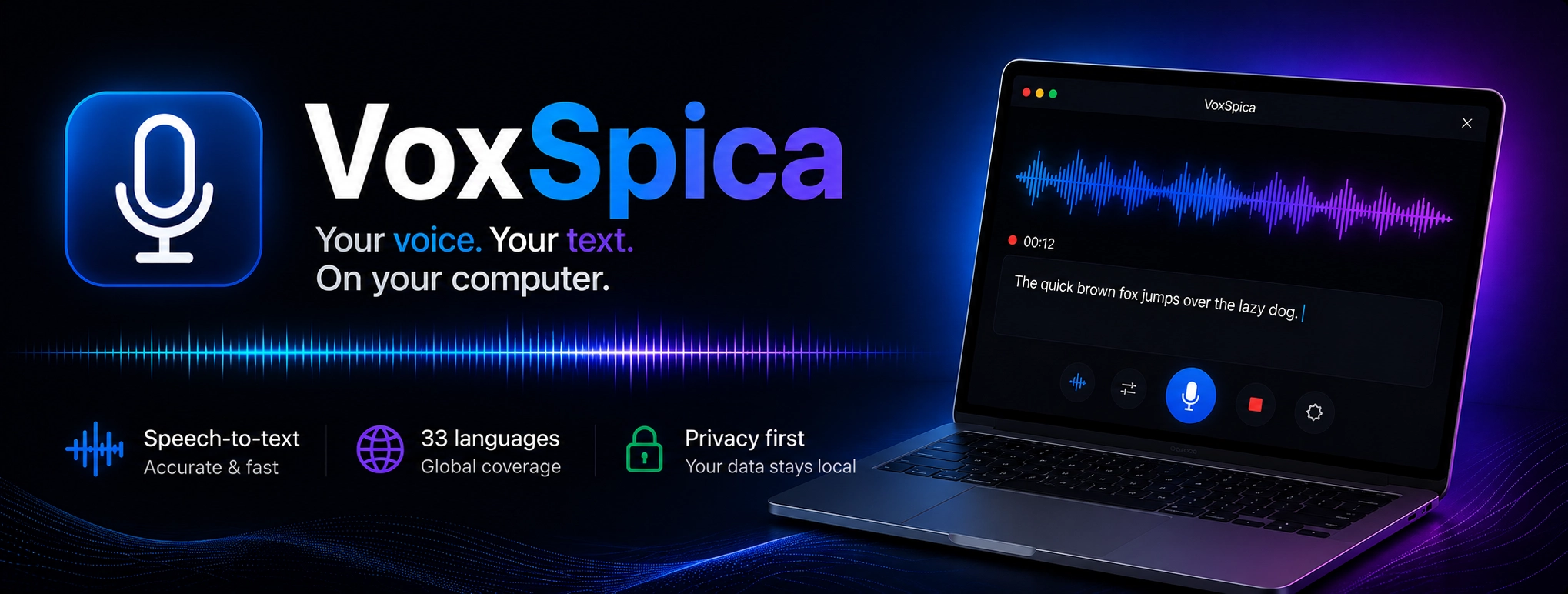
A lecture, interview or podcast often remains only in audio — and writing a summary or essay from it right away can be difficult. VoxSpica helps get the source text locally, and then you edit it for your task.
Short version: audio → text → editing → finished work. The application doesn't write the essay for you, but removes the routine transcription work.
What Tasks Transcription Solves
- Summary: you need to convey the content heard in your own words — first get the exact text, then shorten it.
- Composition and Essay: audio serves as a source of arguments and quotes; transcription helps not to lose formulations.
- Outline: text with timestamps can be easily turned into concise theses by recording time.
- Exam preparation: what was heard can be reread and reviewed instead of listening again.
How to Work: Step by Step
- Open the audio file in VoxSpica (WAV natively; MP3/M4A/OGG via FFmpeg).
- Choose language and model; for a long lecture
largewill suit. - Save the result and, if necessary, export with timestamps.
- Edit the text: remove repetitions, add commas, highlight the main thing.
Important
- VoxSpica does not add commas automatically — you will have to do it manually.
- The application does not generate essays and does not check spelling: you get a basis for your work.
- Audio and result remain on your computer, without uploading to the cloud.
FAQ
Can audio text for summary be obtained without internet?
Yes. After model download, transcription works offline, and text is saved locally.
Is it suitable for a podcast essay?
Yes: transcribe the episode, highlight quotes and arguments, then write the essay in your own words.
How to make a lecture outline?
Use export with timestamps: it helps tie theses to recording moments and quickly return to the needed fragment.